My App×
Inbox
⌂your-site.com
This is what your favicon looks like in a real tab.
At 14–16px, every pixel counts.
This is what your favicon looks like in a real tab.
At 14–16px, every pixel counts.
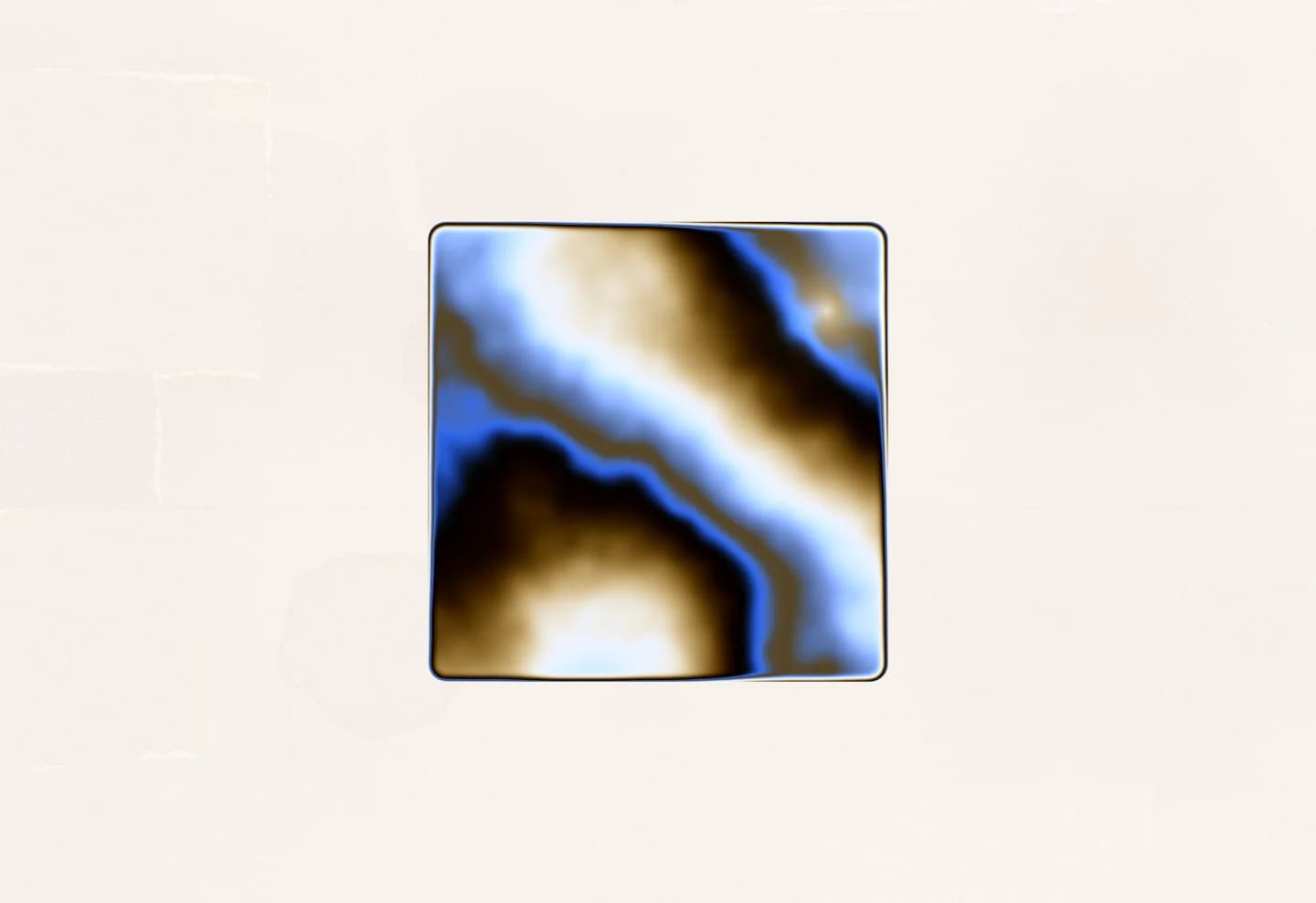
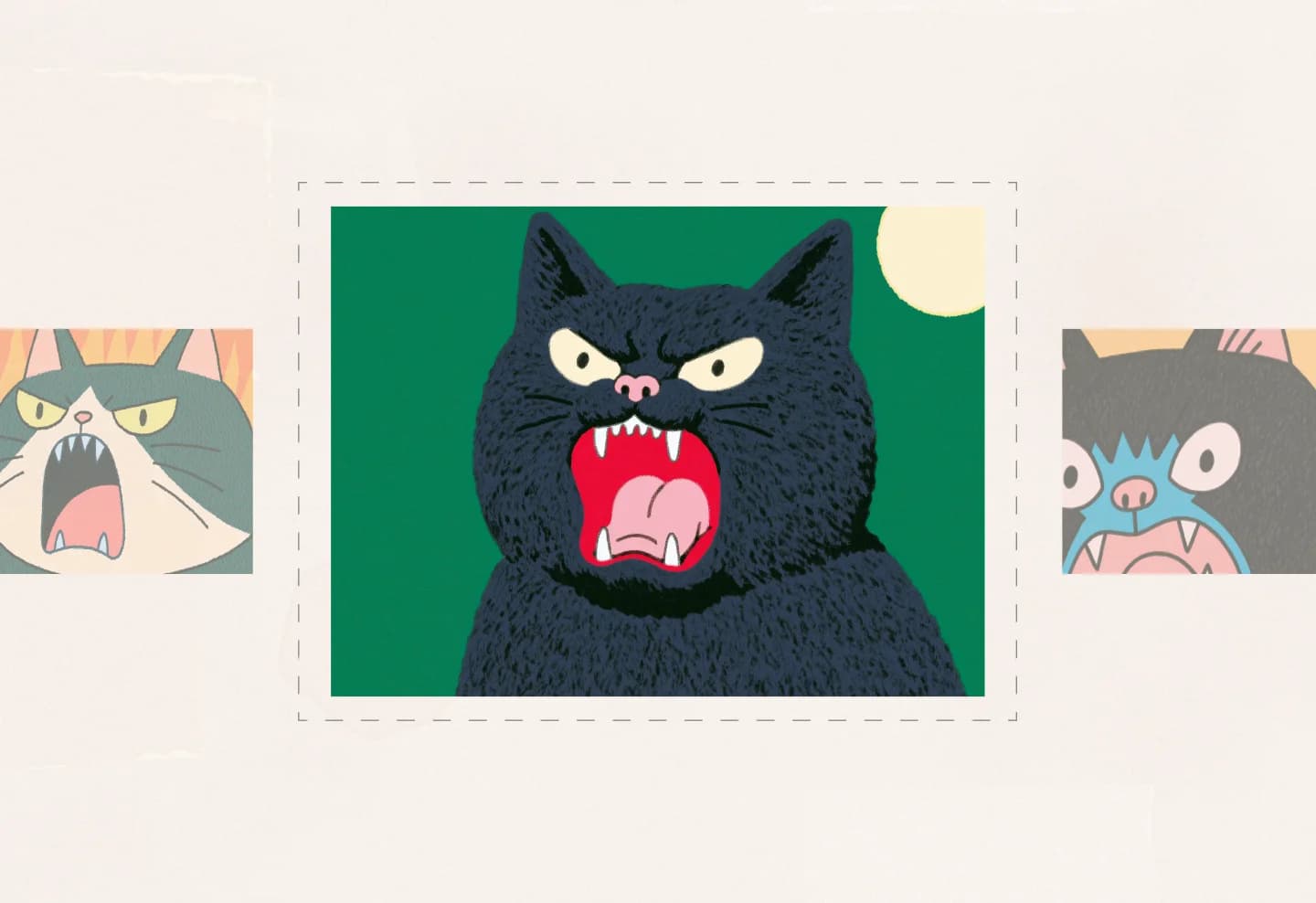
Upload your logo and fill it with a live animated shader — chrome liquid, aurora, plasma, gold and more. Export a seamless video loop or a live embed.
Open tool
A complete /favicons folder: favicon.ico, a modern favicon.svg with dark mode baked in, apple-touch-icon.png, PWA icons (192, 512, and a maskable variant), a Safari pinned-tab SVG, plus site.webmanifest — all zipped together with the HTML snippet to paste into your head.
Your logo as an SVG or PNG. An SVG gives the best results — crisp at every size, and it enables the scalable SVG favicon.
Download the ZIP, place the folder at your site root as laid out in the archive, and paste the provided HTML snippet into your document head. A readme in the ZIP walks through the details.
No. Every icon, the ICO file, and the ZIP are generated client-side in your browser — your logo never leaves your machine.
Yes. It's completely free, with no account, sign-up, or watermark.