More tools.
All tools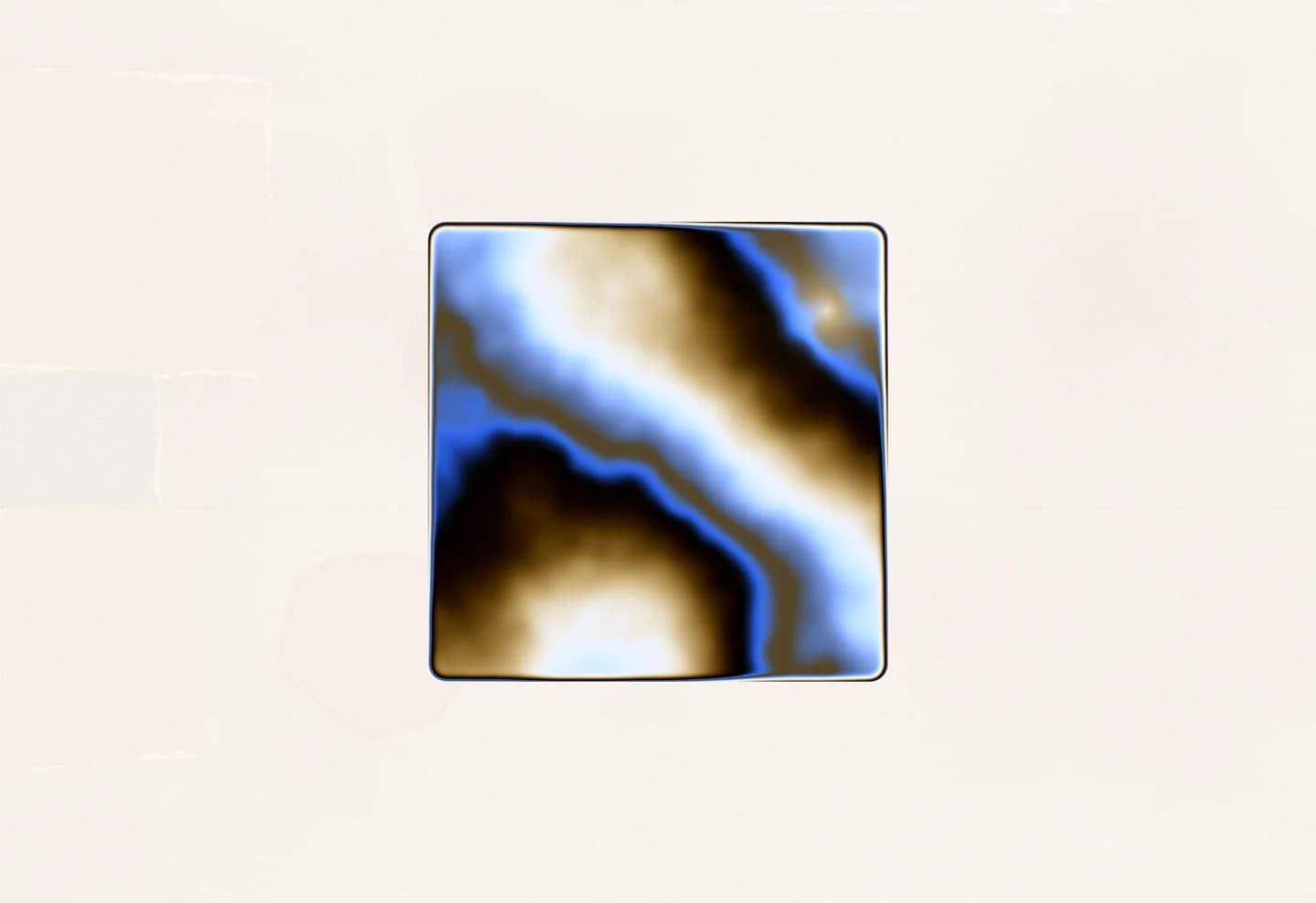
1 / 5
Shader
Upload your logo and fill it with a live animated shader — chrome liquid, aurora, plasma, gold and more. Export a seamless video loop or a live embed.
Open toolUpload your logo and fill it with a live animated shader — chrome liquid, aurora, plasma, gold and more. Export a seamless video loop or a live embed.
Open tool
It renders a glass orb live in your browser with WebGL: a soft crescent of light inside, warm light caught on the edges, a fresnel rim and a glow around it, all moving on one seamless loop.
Yes. Besides the painted crescent you can fill it with any of the shader tool's materials, such as chrome liquid, aurora or plasma, seen through the glass. Each keeps its own detail and intensity controls, and can use its own colours or the orb's palette.
Start from one of the palettes, each a single body hue with a contrasting warm accent so the result stays cohesive. You can then edit any of the colours individually, including the background.
A PNG of the current frame at your screen's resolution. Turn on Transparent background to drop the background: the glass stays opaque and the glow fades out, so the orb sits on any colour.
Your settings are kept in your browser between visits, and you can export them as a file from Settings and import them again later.
Yes. It's completely free, with no account, sign-up, or watermark, and everything runs client-side in your browser.